





Current version
Version 1.4.0
Released Oct 29, 2026. We log every new version here, with its patch notes, from now on.
From the developer
Ready for iOS 27 from day one.
Liquid Glass pieces. Photos reimagined with Apple Intelligence. A puzzle that starts with a word to Siri.
Pick a picture you love and it becomes a jigsaw with the newest feel iOS 27 has.
And you do not have to solve it alone.
Send one link and a friend joins the same table from anywhere.
■ Built from scratch for iOS 27
- Liquid Glass: the pieces and controls are iOS 27's new glass material. They catch the light under your finger and flow together when they touch
- One app across the latest iPhone, iPad and Mac, with a table that grows to fit the screen
- Siri … Read more
and Shortcuts: say "Make a puzzle in Jigsaw", or start from Spotlight- Touch and sound: a click you can hear and feel the moment a piece seats
■ Apple Intelligence turns your photo into a whole new picture
On iPhone and iPad with Apple Intelligence, rework your photo in Image Playground before it becomes a puzzle.
"As a watercolour." "At night." "In anime style." Write it, and one photo becomes a dozen different puzzles.
Bold colour and crisp outlines make a completely different hunt from the original.
Your original photo is left untouched.
■ How it works
1. Pick a photo from your library, or take one now
2. Choose the part you want (and reimagine it with Apple Intelligence here)
3. Pick a size: 3x3, 4x4 or 5x5
4. Move the scattered pieces into place
Real interlocking jigsaw shapes, not squares.
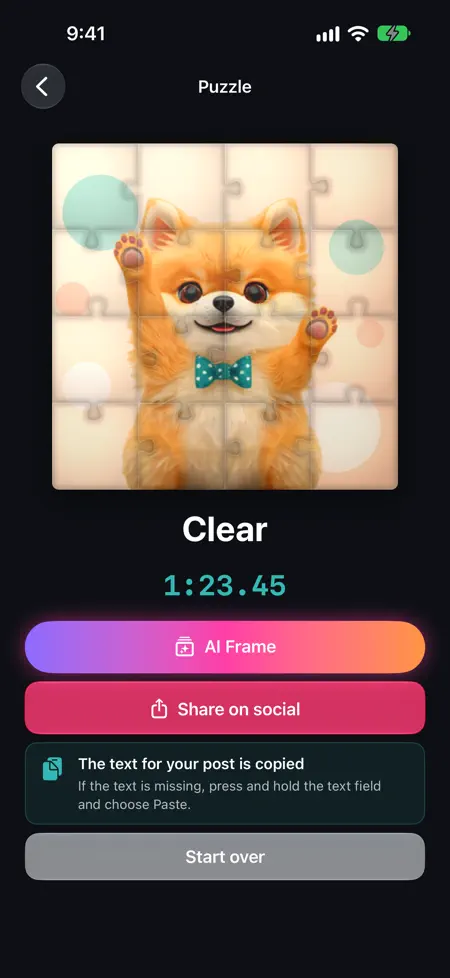
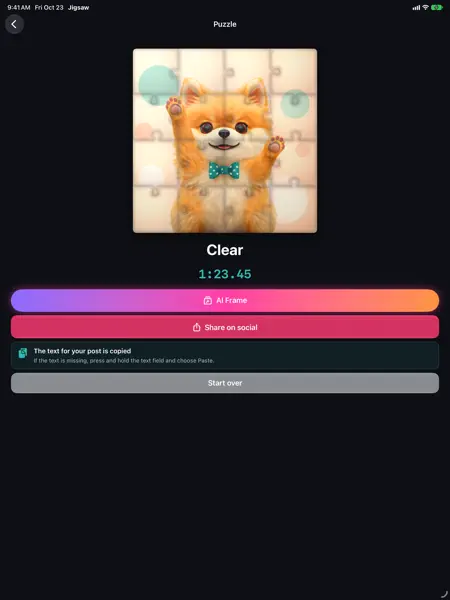
When the last piece lands, a brush sweeps glue over the picture and it dries to a lit gloss.
The finish becomes a 15-second video with a QR code, ready to share.
■ Solve it together
Tap the invite button on the board and send the link.
Your friend opens the app and joins the very same puzzle.
Whoever seats a piece, both screens agree at once.
■ Open it like a book, for two (iPhone Duo and iPad)
Tap the book button and the puzzle opens like a book, one half on each side.
Sit side by side and each take a half of the picture. Some of your pieces land on your partner's side, so you pass them across the middle as you go.
Stand iPhone Duo open like a book on the table and the fold becomes the line between your two halves.
■ Your finished puzzles, framed (widget and AI Frame)
Finished puzzles stay in your Gallery.
The widget on your Home Screen and in StandBy shows a new one every hour (you can change how often).
Works with Apple HomeView: as an iPhone widget, your finished puzzles can hang on the screen in your living room too.
In AI Frame, the pieces fly in and lock into the picture, it stays up a while, then it comes apart and the next one arrives. The screen stays on, like a photo frame.
Fold iPhone Duo into an L and set it down: it's a photo frame. Open it like a book and two puzzles sit side by side.
No ads.
■ Jigsaw Pro
- Invite friends to as many puzzles as you want
- Show your finished puzzles in AI Frame
- Save them to Photos as Live Photos and videos
- Save a puzzle part-solved and come back to it
- Open your saved puzzles from a list, swipe left to delete
- Pick up where you left off on iPhone, iPad and Mac
- Works with Family Sharing: your whole family can use Pro
■ Philosophy
Look.
Fit.
Flow.
Not just a photograph, but a quiet hour spent putting it back together.
Created by MusicFlow Tokyo.


